
Front desk management · SaaS or appliance · Crafting smarter buildings.
Put your visitors at ease,and your front desk in order.
Hall A · desk time
--:--:--
Front desk open
Visitors, mail and parcels, loans, the desk logbook, safety: one register for everything that enters, moves through and leaves the building — and the KPIs the service owes to its client.
Explore the platformWhy SmartCraft Building
More than a register. The control room of your front desk.
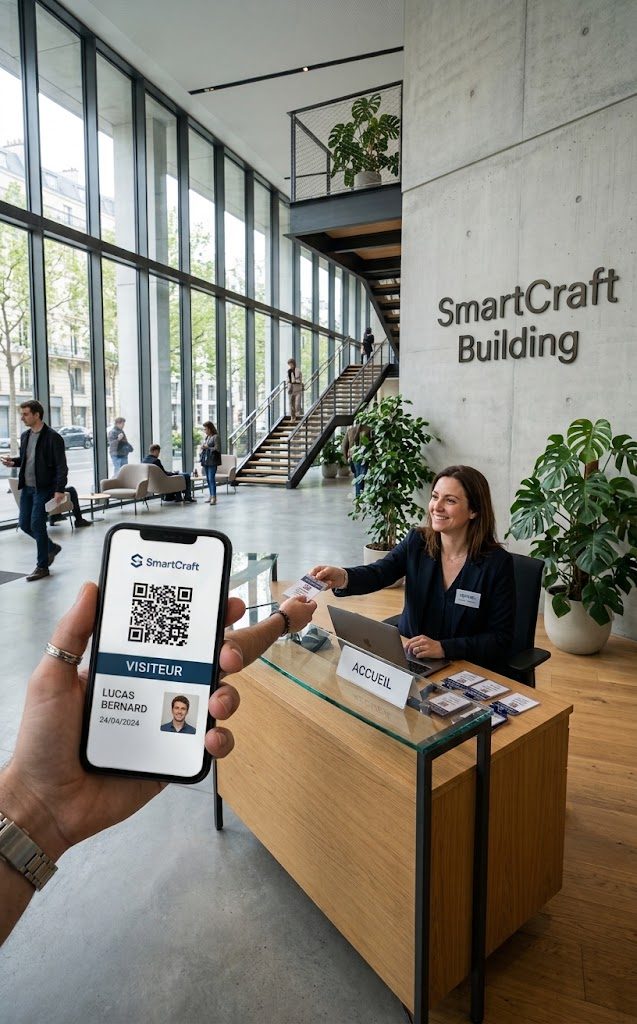
The entry QR code
Sent with the invitation, along with directions and site rules. Valid for this time slot only.
The front desk
Arrival logged, temporary badge activated, host notified on Teams: in under 30 seconds.
- [01]under 30 seconds
between an expected visitor's arrival and their host being notified
- [02]10 seconds
to print the list of people on site when the evacuation alarm sounds
- [03]100 percent
of visitors, mail, parcels and loans tracked — the paper logbook can go
- [04]under an hour
for a front desk team to get up to speed, without a manual
Product design targets, to be measured with the first pilot sites.
The gap
Three kinds of players. None connects the front desk to the service contract.
Front desk software equips the receptionist but stops at the building. Tenant experience platforms treat the front desk as one module among many. Service providers justify their contract by hand. SmartCraft Building holds all three ends.
| Criterion | Front desk software | Tenant experience platform | Hospitality service provider | SmartCraft Building |
|---|---|---|---|---|
| Desk logbook, loans, calls, shift handover | Yes | No | Partly | Yes |
| Digital visitor journey (invitation, QR, kiosk) | Partly | Yes | No | Yes |
| Existing access control, SSO, API | No | Yes | No | Yes |
| Service KPIs shared with the client | No | No | Partly | Yes |
| Public pricing, per building | Yes | No | No | Yes |
Source: front desk management market overview (in French), October 2026.
The platform
Six registers, one desk.
A web application, nothing to install, designed for the agent with a visitor in front of them and the phone ringing. Each module is enabled per building; data stays linked from one register to the next.
Appointments created from the calendar, invitations with directions and site rules, pre-registration and QR code, self-service kiosk. Hosts are notified by email, SMS, Teams or Slack.
Log of everything in and out, tracked hand-over to the recipient, loans of keys, badges and equipment with due dates and automatic reminders.
Instructions, calls handled, the day's events: the next team starts its shift on a screen that sums up everything still open.
Real-time list of people on site, one-tap evacuation mode with roll call at the assembly point, safety rules signed on screen, watch lists.
What the desk logs becomes the contract's KPIs: daily report, monthly dashboard for the client, exports.
Retention periods per data type, automatic and logged purge, pseudonymisation of past visits, tamper-proof audit trail, hosting in France or Europe — or on site.
Built for the people who run the front desk.
Who it's for
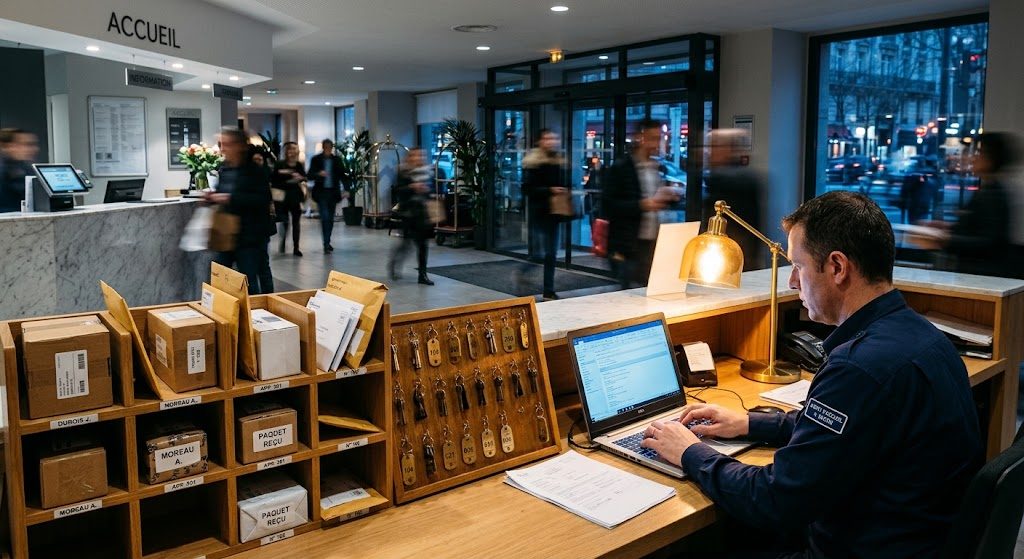
Front desk teams
A tool for the desk, not one more module in a tenant app.

Hospitality providers
Prove the service with figures, without retyping everything at night.
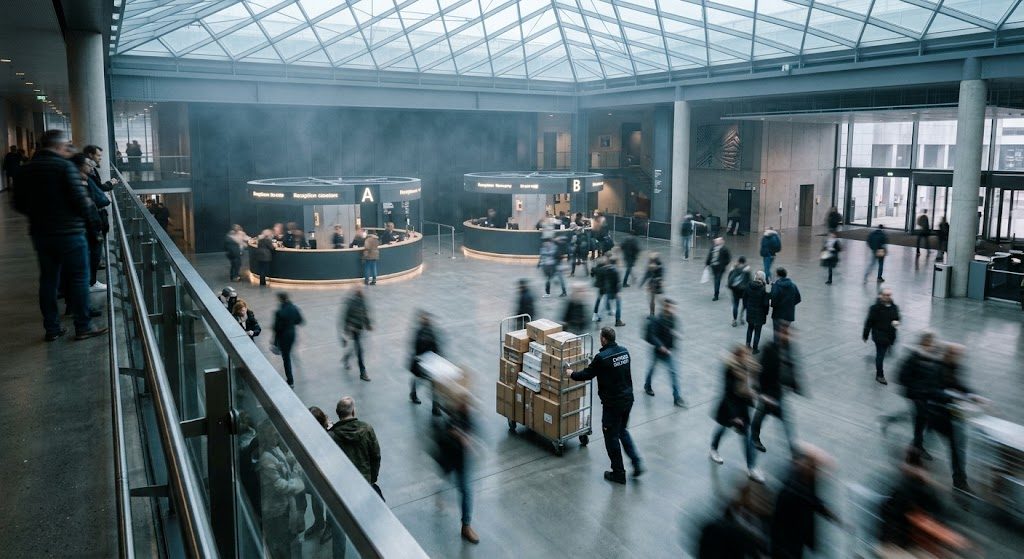
Facility managers
One register for everything that enters, moves through and leaves the building.
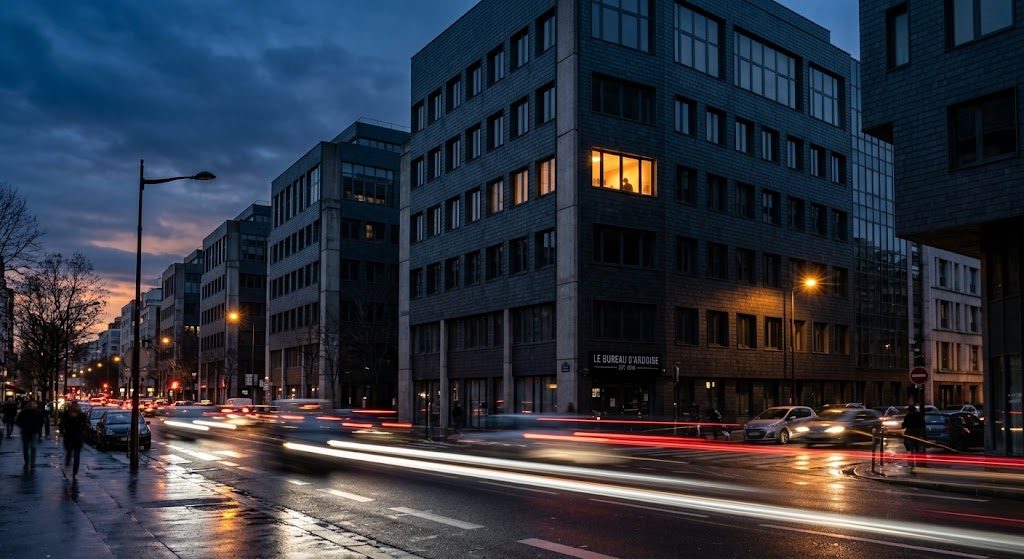
Landlords and multi-site portfolios
Dozens of buildings, one console, enterprise-grade standards.
The missing link
From the desk to the monthly report, without retyping.
Nobody today connects the provider's dashboard, the KPIs the client expects and the data in the front desk software. It is one single thread; all it takes is not to cut it.
At the front desk
Every action is logged once
A visitor arrives, a parcel is handed over, a key is lent, a call is handled: the agent logs it as it happens, without spreadsheets or paper.
At the service provider
KPIs compute themselves
Response times, volumes per time slot, late loans, rounds completed: the service dashboard fills itself with the day's data.
At the client
The contract is managed on facts
Facility and property managers see the same figures as the provider: the monthly report is no longer a statement, it is an extract.
In the field
A day at the front desk.
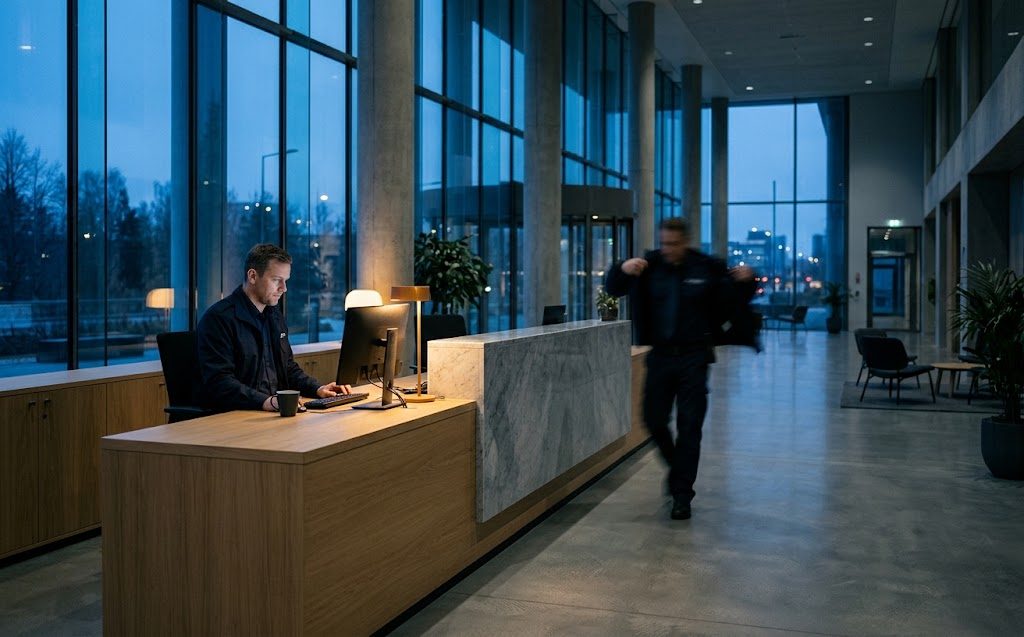
“At 7 a.m., the morning team knows what last night's team left open. At 7 p.m., the report is out. In between, nobody opened a spreadsheet.”
- 07:00
Handover
The morning team opens the desk: 2 instructions, 3 parcels waiting, 14 expected visitors.
- 08:52
Pre-registered visitor
Mr Bernard shows the QR code from his invitation at the desk. His host gets a Teams message; his temporary badge is active.
- 10:15
Delivery
A Chronopost parcel arrives for the finance department. The recipient is notified; the hand-over will be signed.
- 13:40
Key loan
The lift technician borrows the machine room key, due back at 16:00.
- 16:20
Reminder
The key hasn't come back: automatic reminder to the technician and an alert in the logbook.
- 19:00
Report
The day's report goes to the provider and feeds the monthly dashboard.
Pricing
One price per building. Published.
A licence covers one postal address, however many front desks it has. Annual commitment, no hidden fees per visitor or per agent.
- [01]
Essential
One building, a front desk team ready to leave paper behind.
Public price at launchexcl. VAT, per building per month
- Appointments, visitors, mail and parcels
- Loans, calls, logbook
- Reporting and export
- Email notifications
- List of people on site
- Not included: Pre-registration and QR code
- Not included: Front desk kiosk
- [02]Recommended for a head office
Premium
Sites that welcome a lot of people, and want it to show.
Public price at launchexcl. VAT, per building per month
- Everything in Essential
- SMS, Teams and Slack
- Invitations from the calendar, directions, site rules
- Pre-registration and QR code
- Kiosk and badge printing
- Evacuation mode, safety rules signed on screen
- [03]
Security and enterprise
Sensitive sites, multi-site portfolios and stronger security requirements.
On quotation
- Everything in Premium
- Watch lists and access zones
- Physical access control and parking
- SSO, SCIM, enhanced audit, full API
- Mass alerts
- Dedicated contact
Deployment
In our cloud, or within your walls.
It is the same application either way: same screens, same features, same connectors. You choose where it runs; the front desk team won't see the difference.
- [01] SaaS
Hosted in France or Europe
Nothing to install, nothing to maintain.
- Hosting in France, or in another European Union country
- Continuous updates, with nothing to do on your side
- Backups, monitoring and security taken care of
- Encrypted data, purged according to your retention periods
- France
- EU
- GDPR
- [02] Appliance
On site, in your building
The simplicity and quality of the cloud, without the cloud.
- A server delivered ready to plug into your network
- Your data never leaves your building
- The same application as the SaaS, with its updates
- Installation, updates and maintenance handled by us
- Sensitive sites
- Critical operators
- Defence
- Healthcare
The mode is chosen per site: head office on SaaS, a sensitive site on an appliance.
Nothing is typed twice
Calendars, directory, access control, messaging and carriers: data comes from where it already lives.
- Microsoft 365
- Google Workspace
- Teams
- Slack
- Entra ID
- SCIM 2.0
- SAML 2.0
- OpenID Connect
- Salto
- Nedap
- Gallagher
- Paxton
- Hikvision
- Colissimo
- Chronopost
- ServiceNow
- Jira Service Management
- Webhooks
- REST API · OpenAPI 3
Frequently asked questions
Got a question? Here's the answer.
Do we need to replace our badge readers?
No. SmartCraft Building connects to the access control you already have (Salto, Nedap, Gallagher, Paxton, Hikvision…) to grant visitors temporary access. The readers stay yours.
Our front desk is run by a service provider: who uses the tool?
Both. The provider's agents log activity at the desk; the client reviews the resulting KPIs. Everyone sees what their role allows, and nothing else.
Where is visitor data hosted?
Your choice: as SaaS, in France or another European Union country; or on the appliance installed in your building, which it never leaves. Either way, data is encrypted, automatically purged when the retention period you set expires, and every view or export is recorded in an audit trail.
How is the licence counted?
Per building, meaning per postal address. Several front desks in the same building count as one licence. Extra kiosks, badge printers and SMS packs are options.
Do we need to install anything?
With SaaS, a web browser is all the front desk needs. With the appliance, we deliver a server ready to plug into your network, and we keep it up to date. The Premium self-service kiosk is an off-the-shelf tablet; we provide the configuration and support.
Can we manage several sites and several desks?
Yes: several desks per building, transfer of a visitor or a parcel between desks, multi-site consolidation, single sign-on and account provisioning via SCIM.
Resources
Understanding the front desk profession.
Front desk management: a market overview
Three kinds of players, a common baseline, and the gaps nobody has filled yet.
SmartCraft Building
Shift handover, or how to lose nothing between 1 and 2 p.m.
What a shift-start screen should show, and what it should leave out.
Coming soon
GDPR at the front desk: purge without losing your statistics
Retention periods, pseudonymisation and purge logs, explained for the DPO.
Coming soon
Demo
Let's look at your front desk.
Thirty minutes, on your real flows: how many visitors, how many parcels, who runs the desk, what your client expects every month.